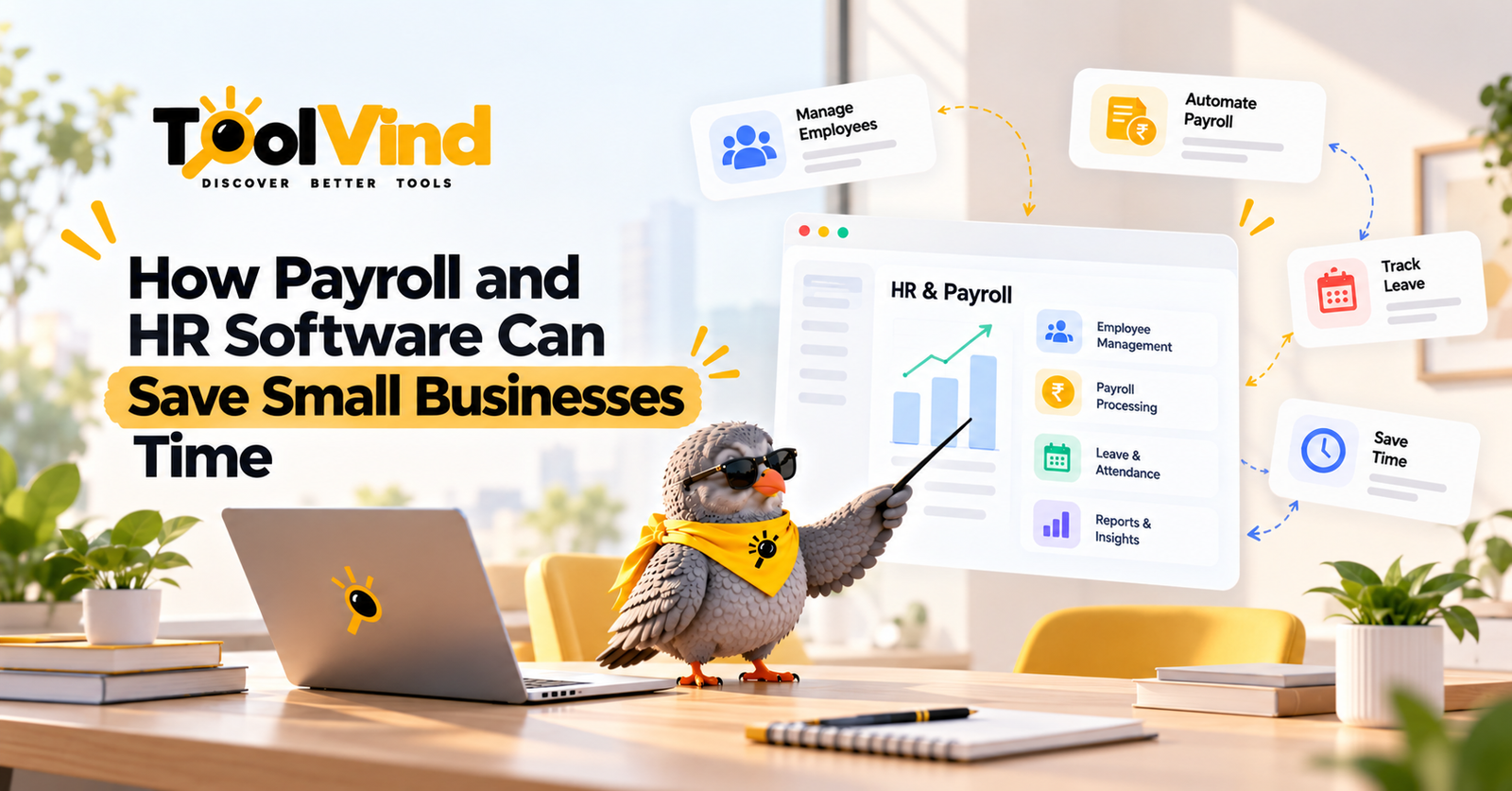
Payroll and HR software for small business can reduce repeated data entry and the effort spent chasing approved information. That does not mean every company saves a fixed number of hours each week. The result depends on the existing process, the quality of records, and the time required for review. This guide explains where time savings may arise and how to check them using your own workload.
Quick answer: Connected HR and payroll systems can reduce duplicate entry, organize approvals, and make employee information easier to maintain. Keep payroll review and local requirements explicit. Measure complete processing time, including corrections and ongoing administration, before claiming savings.
Payroll and HR Software for Small Business Workflows
Common sources of effort include collecting timesheets, confirming leave, updating employee details, entering the same changes into several systems, and answering repeated record questions. Map a complete pay cycle rather than counting only the final submission step. An improvement should reduce the overall work without hiding errors or shifting preparation to employees.
How Connected Records Can Help
When approved employee changes move through a tested connection, staff may avoid retyping them. Define which system owns each field and which effective date applies. Review transferred values before payroll is finalized. A connection can reproduce incorrect data quickly, so validation remains necessary.
Reduce Chasing With Clear Approvals
Set submission deadlines and route missing approvals to the appropriate managers. Show what remains incomplete before the payroll cutoff. Reminders should stop after the required action is complete. The practical improvement is a visible process where everyone knows what they need to provide and when.
Use Employee Self Service Carefully
Employees may be able to view payslips, submit time, request leave, or update permitted details. Provide clear instructions and access restrictions. Require the appropriate review for sensitive changes. Self service helps only if employees can use it successfully and the updates reach the correct system.
Understand What Payroll Automation Covers
Providers may support calculations, payslips, payment preparation, or filings for particular jurisdictions. Check the product's actual scope. Gusto's payroll page describes a US-focused service; it should not be treated as evidence that the same functions exist in every market. Verify your provider's local support with the responsible payroll professional.
Measure Time Saved Honestly
Record preparation, approvals, entry, review, correction, and employee enquiries over several cycles. Compare like-for-like workloads before and after the change. Include training and recurring maintenance. Distinguish a planning estimate from a measured result, and avoid describing vendor testimonials as your business's own savings.
Protect the Accuracy of Payroll
Review changes to pay, hours, deductions, and employee status. Reconcile outputs and retain the required records. Configure authorization for submission and payments. Payroll affects employees directly, so a faster process is useful only when it also produces a correct, reviewable result.
An Illustrative Implementation Example
As an illustration, a small business might spend ninety minutes collecting inputs, sixty entering them, and forty-five reviewing a cycle. A connected workflow could reduce collection and entry, but any additional review or repair must be counted. These figures are hypothetical. Measure your own cycles, noting changes in staff numbers and exceptions, before deciding whether the system has saved hours or merely changed where the work occurs.
Practical Evaluation Checklist
Test HR, manager, and employee permissions separately.
Validate current policies and starting records.
Include a new starter, changed manager, and departing employee.
Reconcile the payroll or identity-system handoff.
Assign owners for sensitive changes and incomplete workflows.
Explore Relevant Software With Toolvind
Use Toolvind's software categories and product directory as discovery starting points. Build a shortlist around the workflow described in this guide, then confirm current capabilities, local availability, and terms with each vendor. A directory listing is the beginning of evaluation; your own requirements and pilot determine the fit.
Conclusion
Payroll and HR software for small business may reduce retyping and chasing. Confirm local scope, protect accuracy, and use measured end-to-end effort before making a claim about time savings.