Ask AI about CursorFlow
ABOUT THE PRODUCT
What is CursorFlow?
CursorFlow adds pointer trails, click effects and input visualization for screen-sharing or demonstration work.



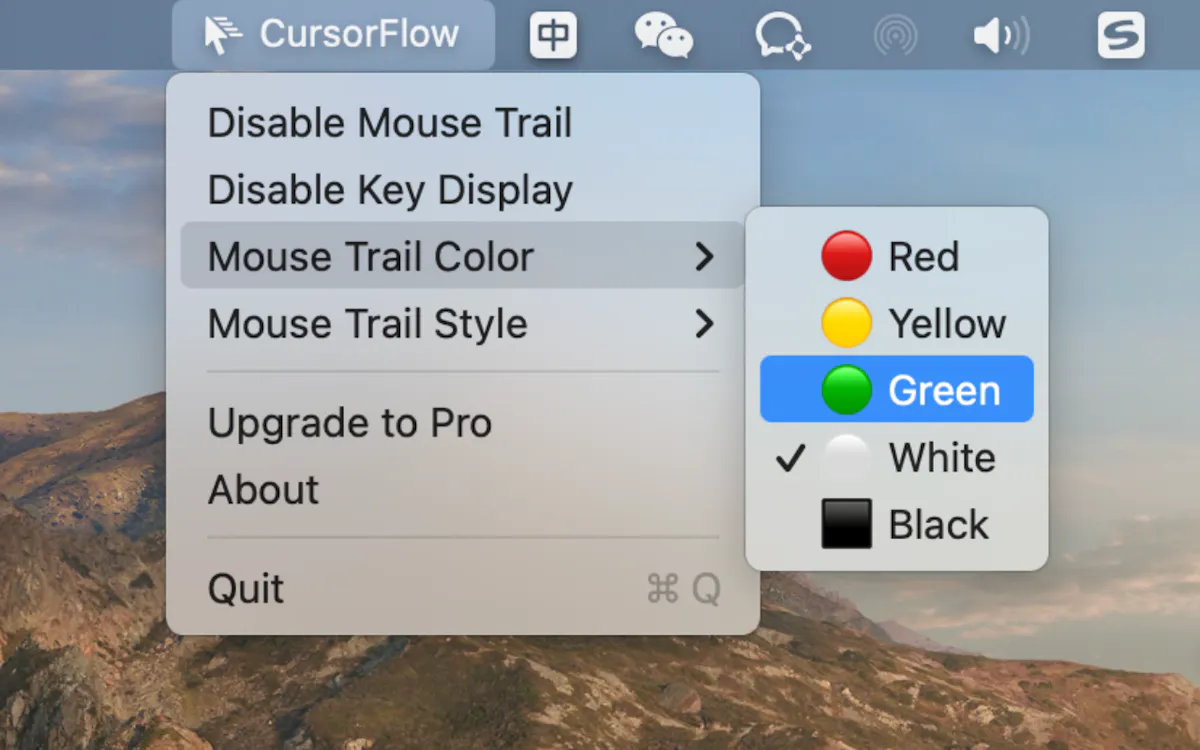

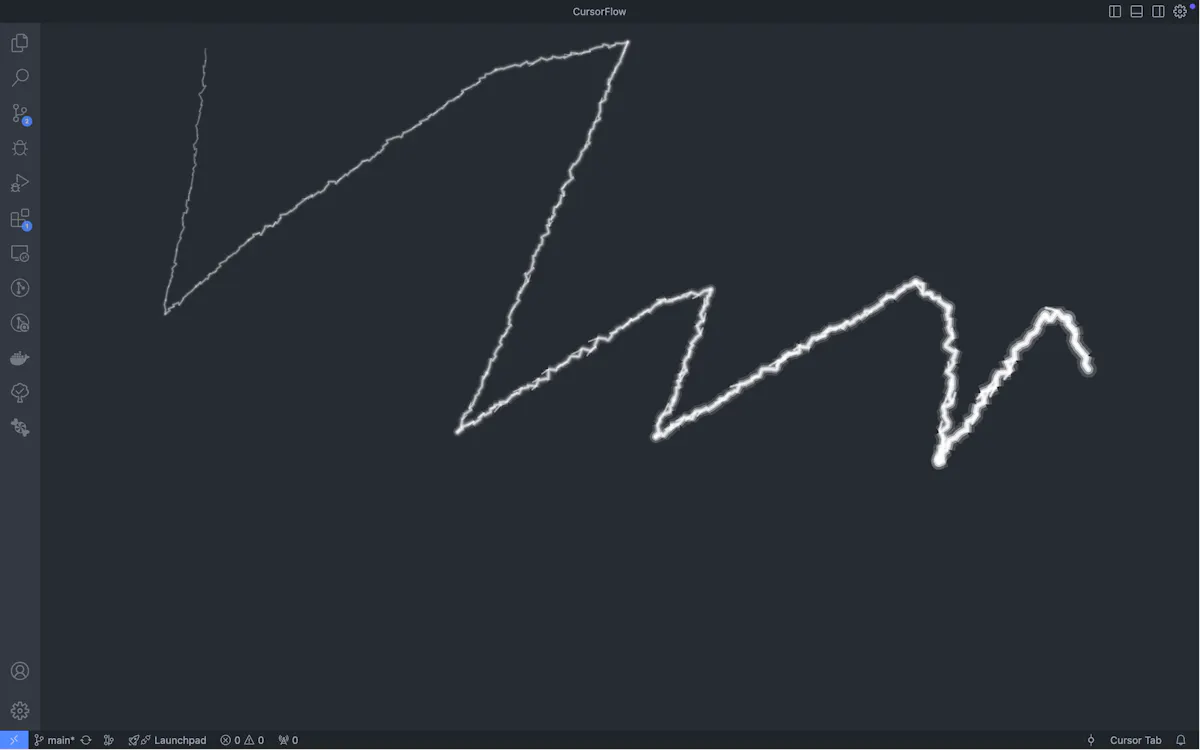


Make cursor movement and keystrokes visible during Mac recordings
CursorFlow adds pointer trails, click effects and input visualization for screen-sharing or demonstration work.
Ask the makers a question, share feedback or tell others how you use CursorFlow.
Sign in to comment, ask the makers a question or share useful feedback.

Search and organize screenshots with AI tools

Show keyboard and pointer actions during a Mac demonstration

Share a selected region of your screen through a separate window
No comments yet. Be the first to share your thoughts on CursorFlow.