

Ask AI about Any Command
ABOUT THE PRODUCT
What is Any Command?
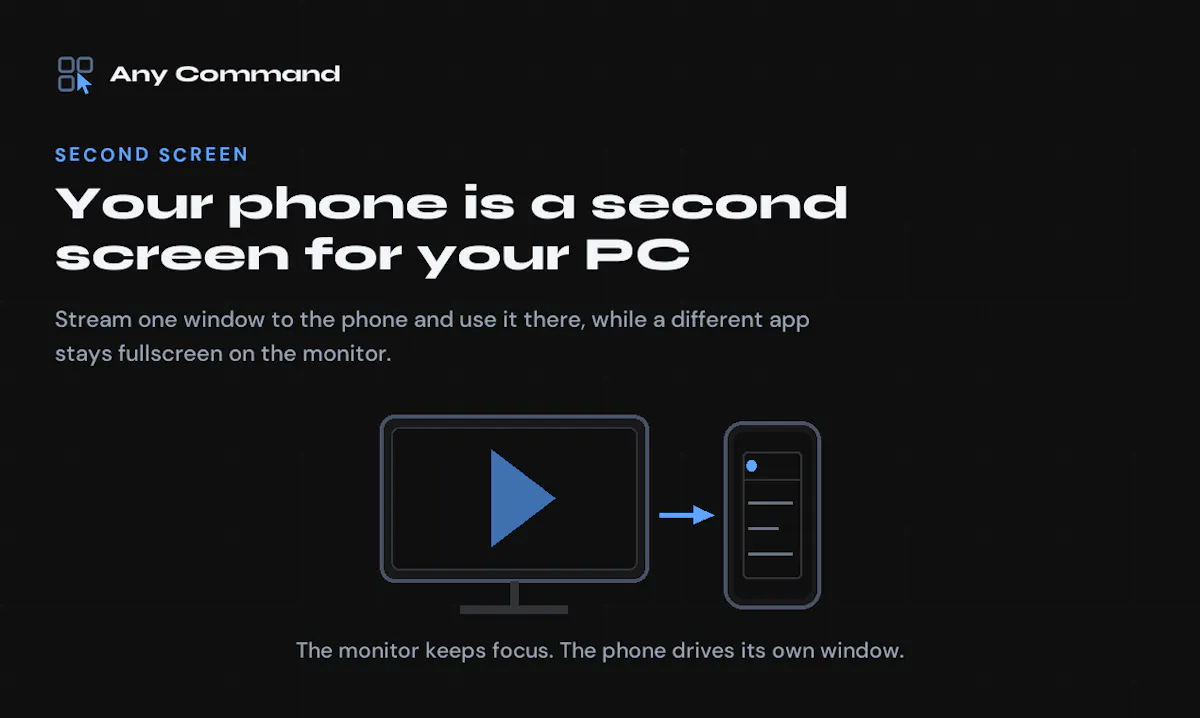
Any Command connects an Android phone to a Windows PC for keyboard, gamepad and trackpad input or use as an additional display. A single window can stream to the phone while the monitor shows a fullscreen film. It supports local-network and Bluetooth connections, offers a free tier and requires no account. The PC app uses a standard Windows installation.



No comments yet. Be the first to share your thoughts on Any Command.